Dokumentationsmeny
GitHub App
Connect your repository to Localhero.ai. The App handles setup and syncs translations from the dashboard back to your code.
The Localhero.ai GitHub App is optional. You can also get things going with the CLI and use the GitHub Action on its own.
Want the one-click install? Get the App on the GitHub Marketplace →
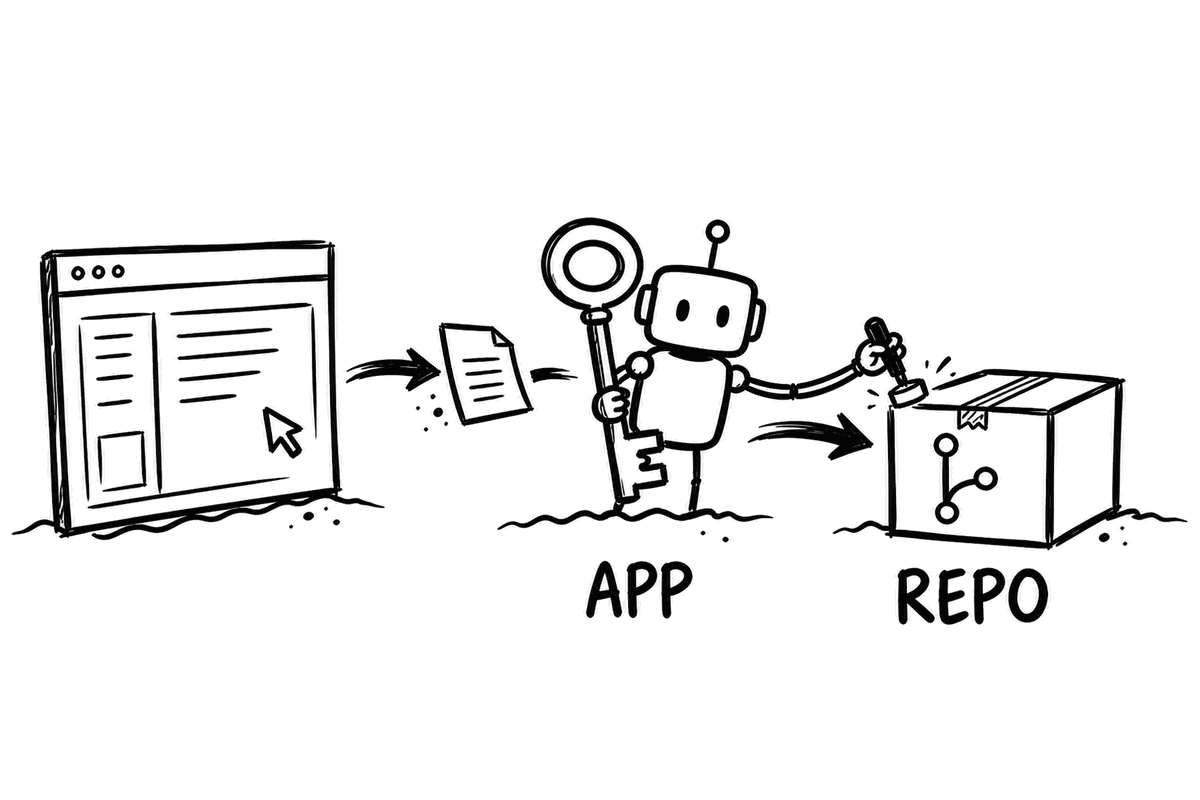
What the App Does
Repository setup
Whether you install from the Marketplace or from the dashboard, the App analyzes the repository to detect your framework, translation file format, and file locations. If it doesn't find an existing GitHub Action workflow file or localhero.json, it opens a pull request with both. Nothing is committed to your repo directly, you review and merge the PR yourself.
Export to GitHub
When you edit translations on Localhero.ai and want them in your codebase, click Export to GitHub in the top right of the translations page. You pick which keys to include and add an optional PR message. The App creates a pull request with the updated translation files for you to review and merge.
On PR-specific pages, you'll see a Sync to GitHub button that pushes edits for that specific PR back to the branch.
PR awareness
The App keeps track of your PRs. When a PR with new translation keys is merged, those keys become part of your project. If the PR is closed without merging, the pending keys are cleaned up automatically.
The App itself doesn't run translations. That's the job of the GitHub Action, which runs the CLI on your GitHub Actions runner.
Installing the GitHub App
Two ways to install, depending on where you are starting from.
Option A: From the GitHub Marketplace
Best when you do not have a Localhero.ai account yet, or when an org admin wants to handle the install without touching the dashboard.
- Open the Localhero.ai listing on the GitHub Marketplace and click Install.
- Pick the GitHub account or organization to install on, and select which repositories to give the App access to.
- You will be redirected to Localhero.ai to finish setting up your project (source language, target languages, framework detection). If your repo doesn't already have a workflow file, the App opens a setup PR for you to review.
Option B: From the Localhero.ai dashboard
Best when you already have a project on Localhero.ai and want to connect a repo to it.
Install the app
Go to your project in the dashboard and click "Connect to GitHub". You can also find this under Settings → General in your project. This installs the Localhero.ai GitHub App on your organization or personal account.
Select a repository
Choose which repository to connect to your Localhero.ai project. The App analyzes the repository to detect your framework, translation file format, and file locations.
Review the setup PR
If your repo doesn't already have the config files, the App opens a pull request with:
- •
localhero.jsonwith your project configuration - •
.github/workflows/localhero-translate.ymlwith the translation workflow
Review the PR, adjust if needed, and merge. Once merged, the Action translates automatically on every future PR that touches your translation files.
Already have a workflow? If your repo already has localhero.json and a workflow file (e.g. from running npx @localheroai/cli init), the App skips setup and connects directly.
App vs Action vs CLI
Three tools, each with a different job:
| GitHub App | GitHub Action | CLI | |
|---|---|---|---|
| What it does | Sets up your repo (via PR), syncs from dashboard, tracks PR lifecycle | Runs the CLI in CI to translate and commit to PRs | Translates locally, pushes/pulls keys, manages config |
| Translates? | No | Yes | Yes |
| Where it runs | Localhero.ai servers | GitHub Actions runner | Your machine or CI |
| Required? | Optional. Needed for dashboard sync and automatic setup | For automatic PR translations | For local development and manual workflows |
Permissions
The GitHub App requests these permissions:
| Permission | Why |
|---|---|
| Contents (read & write) | Create branches and commit translation files for sync PRs |
| Pull requests (read & write) | Create setup and sync PRs, track PR lifecycle |
| Metadata (read) | List repositories during setup |
Last updated
Redo att testa?
Kom igång på några minuter. Inget kreditkort behövs.