Migrating an existing project
Most projects adopting Localhero.ai are already localized in some way. Run npx @localheroai/cli init in your project and it takes you through both configuration and import. Your existing translations are uploaded and kept, and they set the voice for everything translated after that. Once the import finishes, the dashboard shows whether any keys are missing a translation, and you can generate the missing ones from there. The ones you already have are left untouched.
npx @localheroai/cli init
Your translations configure the project
If the project has no style guide, tone of voice or length preference yet, Localhero.ai reads the imported source strings and generates them during the first import. New translations follow those settings from the first run, so what comes out matches the copy already in your repository.
Glossary terms work the same way, except you have to approve them before they take effect. Candidate terms are extracted from your translations during the first import, and you accept or dismiss each one.
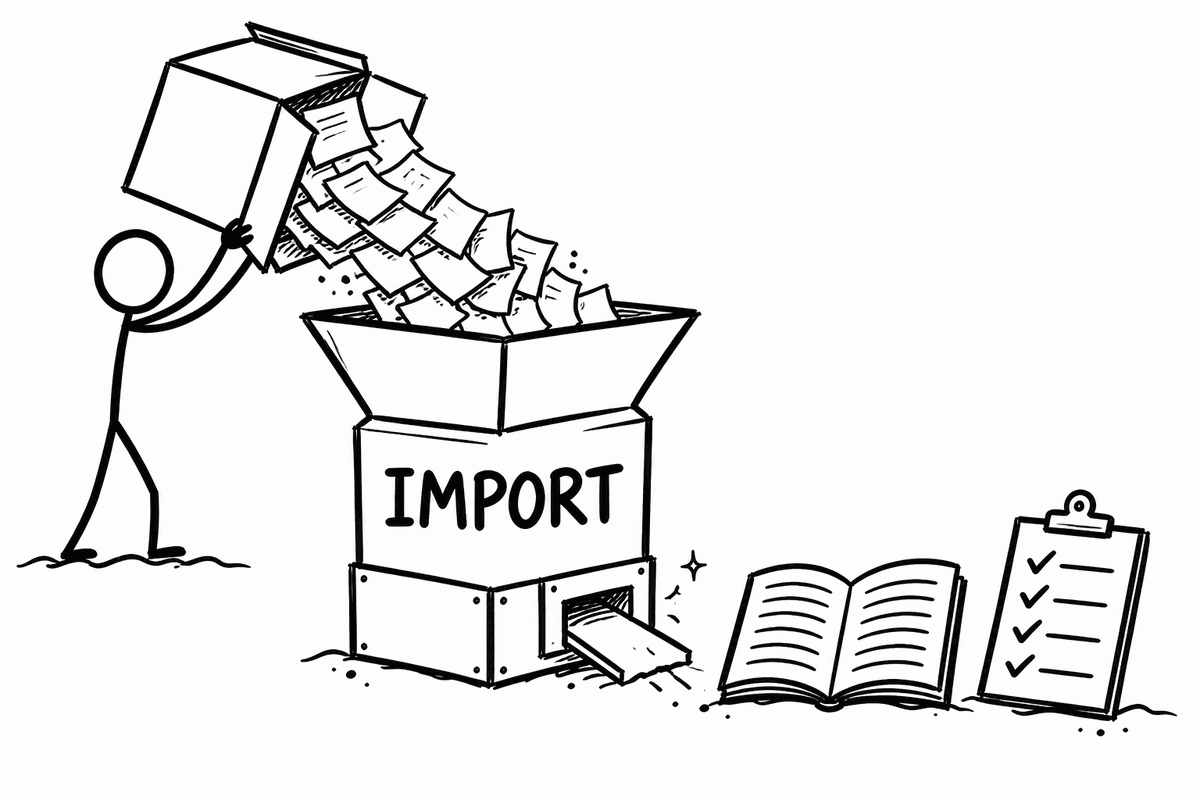
Both run in the background once the import finishes, so give them a moment. Everything they produce is editable. Head over to your project settings to see what was extracted and adjust it to fit your brand.
What import does
Import is step 6 of init. It uploads the translation files already in your project, based on the settings you gave earlier in the init process.
Source files are imported first, then target files. An existing non-blank target translation becomes a stored translation.
To skip the upload entirely, pass --skip-import:
npx @localheroai/cli init --skip-import
To upload existing translations in a project that is already configured, use push. It uploads them to Localhero.ai based on the settings already in place.
How Localhero.ai decides what to translate
The rule is one check per key per language. A key is skipped when a translation already exists for that language and its content is non-blank. Everything else is sent for translation. An empty string counts as missing and will be translated.
You are only charged for keys that are actually translated. Importing a large existing catalogue costs nothing, and the same applies if you send keys for translation that Localhero.ai already has.
Further reading: Project setup for configuring paths and locales, and the CLI reference for every command and flag.
Last updated
Ready to try it?
Get setup in a couple of minutes. No credit card required.