Review workflow
The review workflow gives your team control over what ships when it matters that a human has read every string. Team members view and adjust translations in the Localhero.ai dashboard, without touching code or git or filing a ticket, and their edits go back to the original pull request as a commit.
You can also choose which languages get translated automatically, and use the same interface to fill in the ones you opted out of by hand.
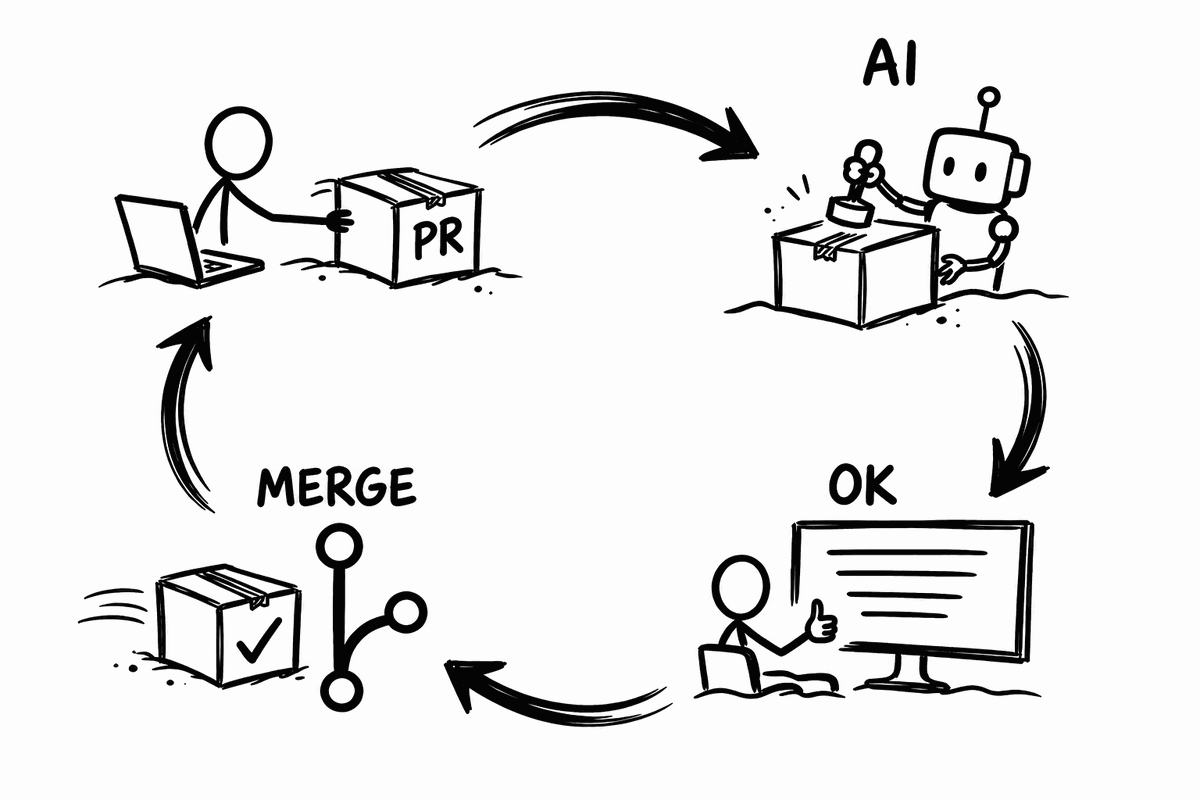
The whole loop in 45 seconds: a pull request adds new copy, the check waits, a reviewer approves, the check turns green.
Reviewing AI translations
From the reviewer's side, the loop runs on the pull request:
- A developer opens a pull request that adds or changes translation keys in the locale files. The GitHub Action translates the keys that are new or missing and commits the result to that PR, then posts a comment on the pull request linking to Localhero.ai.
- Anyone with access to the project can add one or more reviewers. Each reviewer gets an email with a link to view the translations and adjust them as needed.
- The reviewer views the translations, rather than a code diff, and edits whatever needs fixing. Edits are saved on Localhero.ai. Each correction also goes into the project's translation memory, which later translations follow.
- When done, the reviewer marks the PR approved, with a comment if they have one. The PR page on Localhero.ai shows how many of the assigned reviewers have approved, and shows "Ready to merge" when everyone has. Once every reviewer has approved, a comment saying so is posted on the pull request in GitHub.
- If there were any edits to the translations, you or the reviewer click Sync to GitHub on the PR page in Localhero.ai. The edits go back to the pull request as a commit, so everything is included when it merges.
The translation check on the pull request
Translations can gate the merge button on the PR, the same way a test that does not pass can stop a PR from being merged. Once a reviewer approves, Localhero.ai reports a commit status called localhero/translations on the pull request, next to your own CI checks, reading Translations approved on Localhero. It links back to the PR page so anyone reading the pull request can jump to the translations.
If you make it a required status check, it becomes a condition for merging pull requests: Settings → Branches → Branch protection rules, edit the rule for your default branch, tick Require status checks to pass before merging, and search for localhero/translations. The check must have run on the repository at least once before GitHub offers it in that list, so approve translations on a pull request first.
A pull request with reviewers assigned then cannot merge until its translations have been approved. No process to remember, no release-day scramble to work out whether the Norwegian copy was ever read. Leave the check out of branch protection and it stays informational, a green tick showing the translations were reviewed.
Approvals are tied to the exact translations they were given for. Change a string after someone approved and Localhero.ai marks their approval stale on the PR page and offers Re-approve. An approval means someone read this text, not text that has since moved on.
You can also edit translations straight from the translations page, without a PR in context. Select the keys you changed, click Export to GitHub in the top right, and Localhero.ai opens a pull request with them.
Both features need the GitHub App installed. The App is what has permission to write to your repository. Without it, you can still review and edit in the dashboard, but nothing gets pushed back from there. Pull the translations down locally with the CLI instead.
Adding reviewers
Access to the project on Localhero.ai is all a reviewer needs. Invite them through the Members tab in your organization settings. They need neither git installed nor a code editor.
Developers keep the flow they already have. The locale files stay the source of truth in the repository, keys are added there, and translations arrive as commits on the pull request. Nobody has to switch tools to accommodate the other side.
Translating some languages yourself
Each target language in your project settings can have Auto-translate turned off. Turn it off for a language and Localhero.ai writes nothing for it: the GitHub Action and the CLI skip generating translations for it. The keys and the language stay in the dashboard for your own translator to fill in.
Useful when copy is written directly in the target language rather than translated, when you have specific needs in different markets, for legally sensitive wording, or for a variant with special requirements.
Further reading: GitHub App for what the App can write to your repository, and translation quality at scale for how consistency holds up across many keys.
Last updated
Ready to try it?
Get setup in a couple of minutes. No credit card required.